Problem:
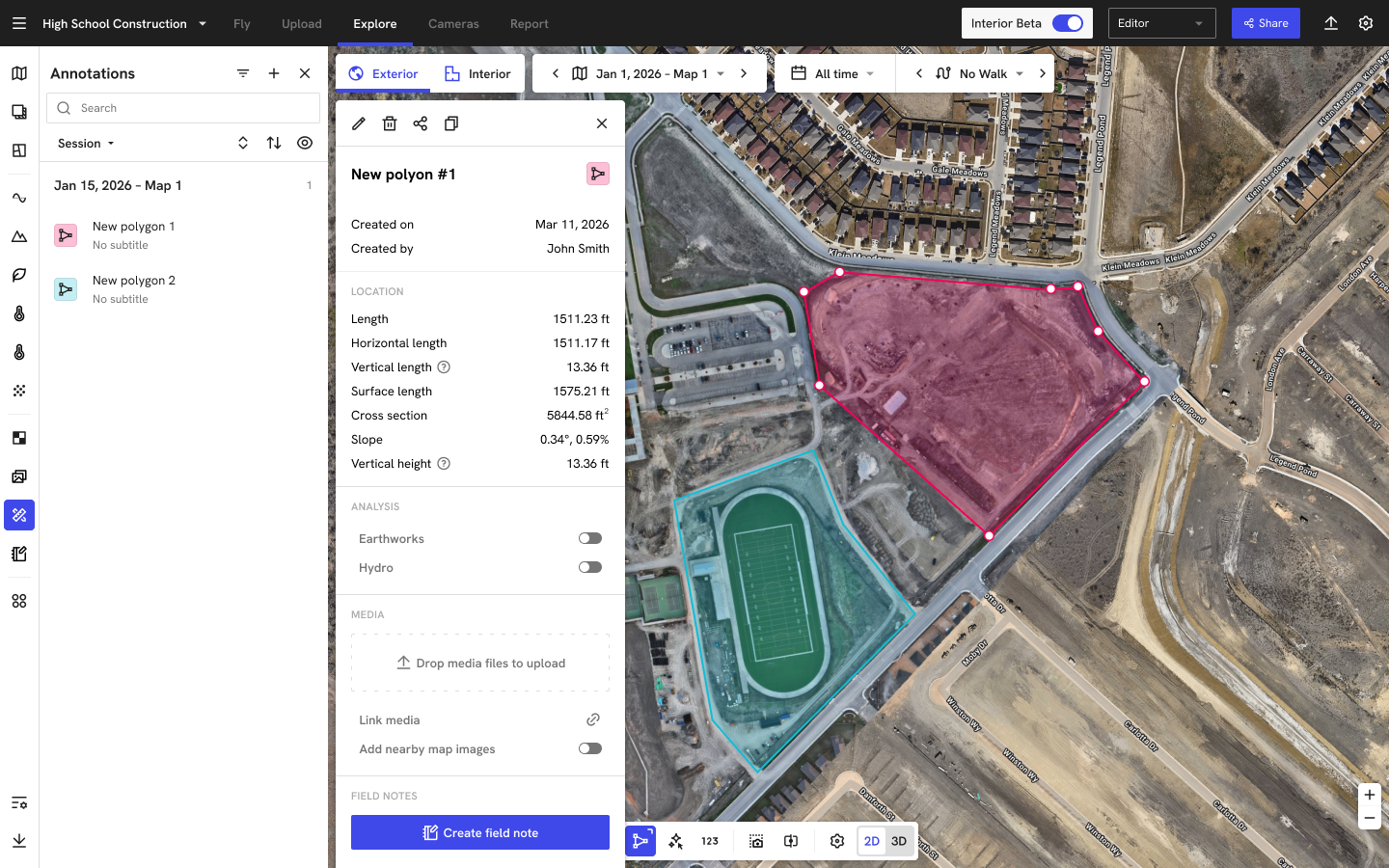
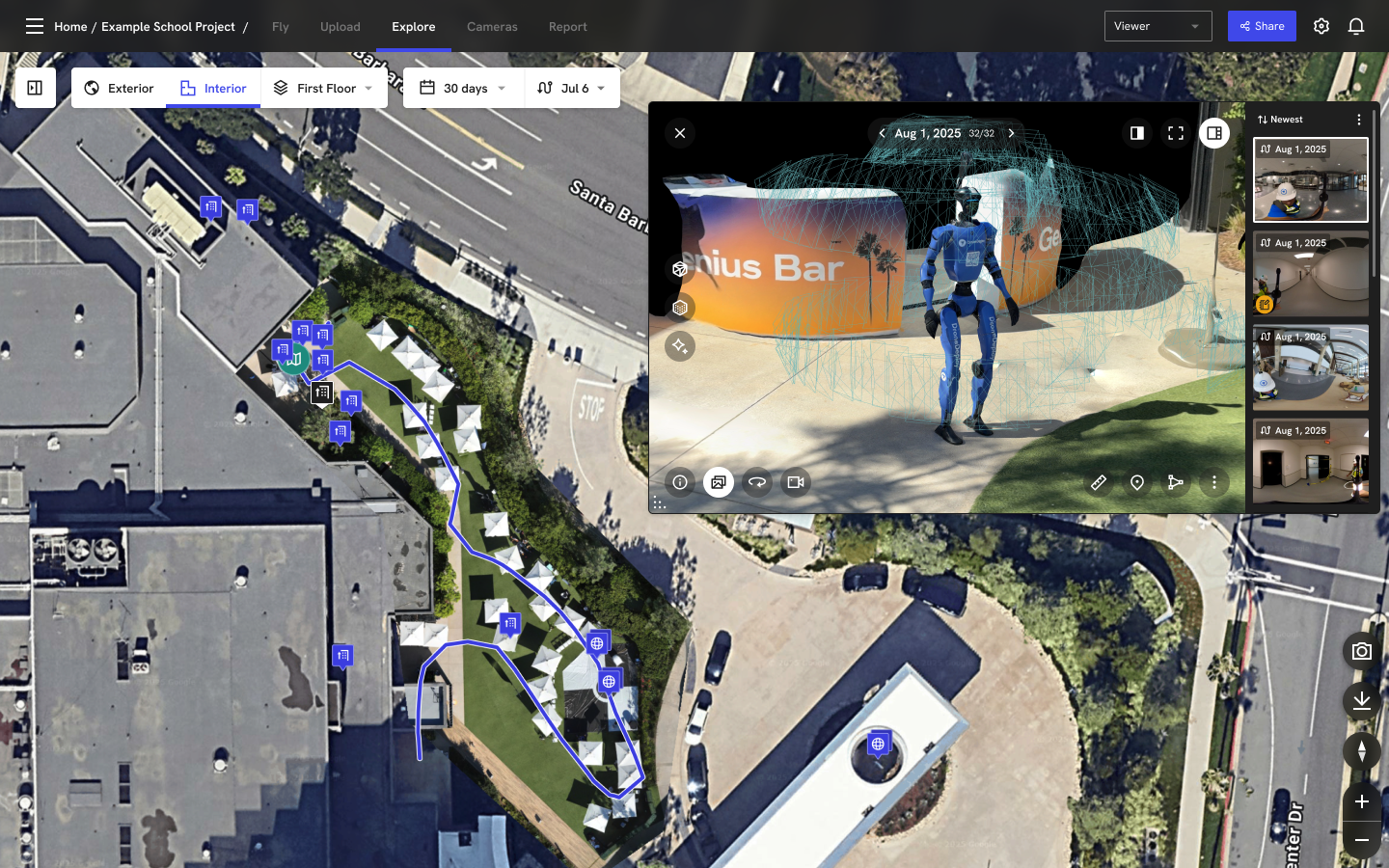
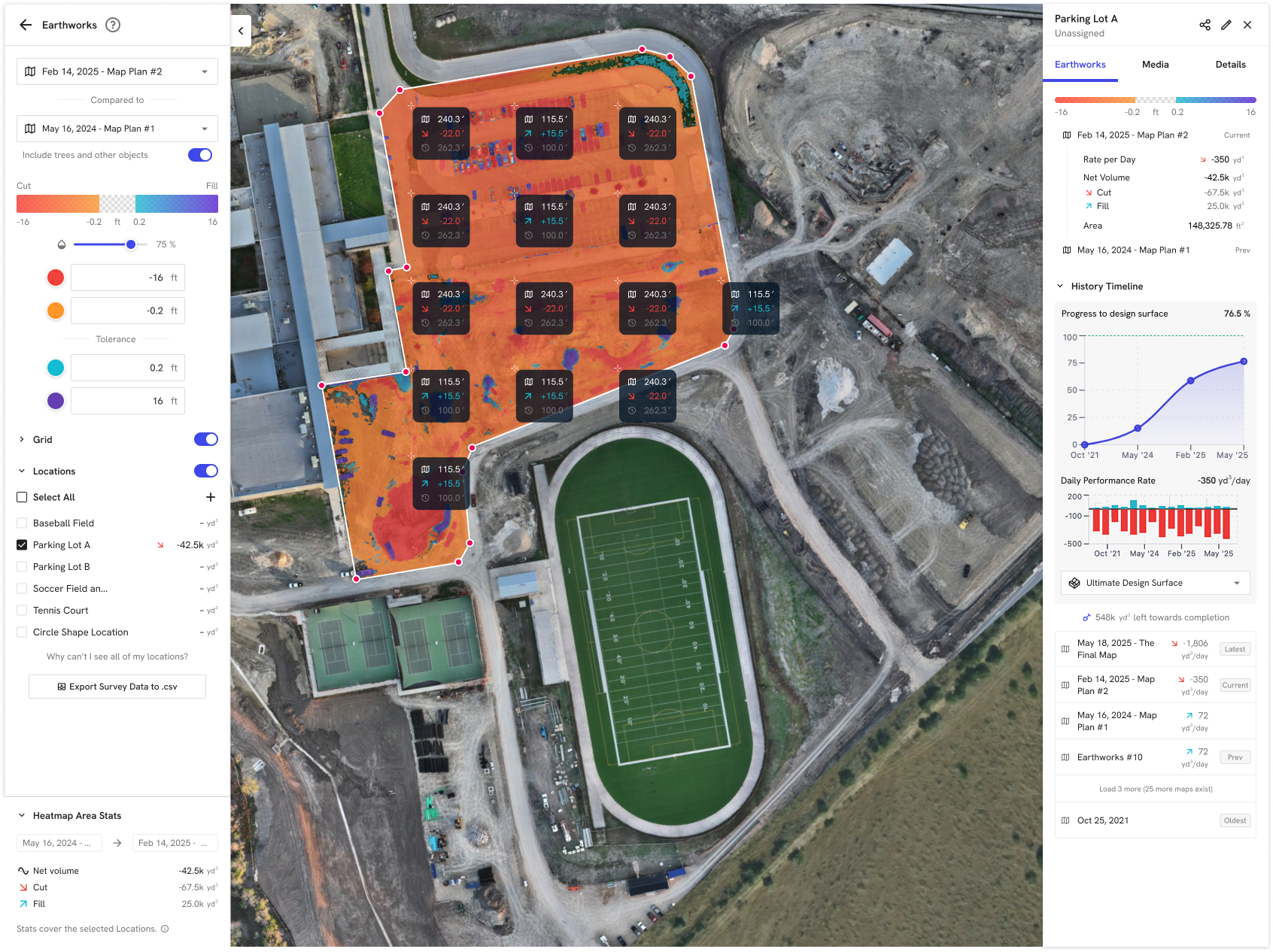
On DroneDeploy, dock operations were fragmented across tools. Admins had to bounce between the Flight UI, Robotics Automate, and support tickets just to answer basic questions like “Which docks are online?” or “Why isn’t this dock flying?” There was no single view of fleet health, no lightweight way to reboot or reset a misbehaving dock, and no clear path into the right project or diagnostics screen. As customers scaled from one dock to many, this patchwork workflow created support bottlenecks, delayed troubleshooting, and made dock automation feel fragile instead of dependable.
Solution:
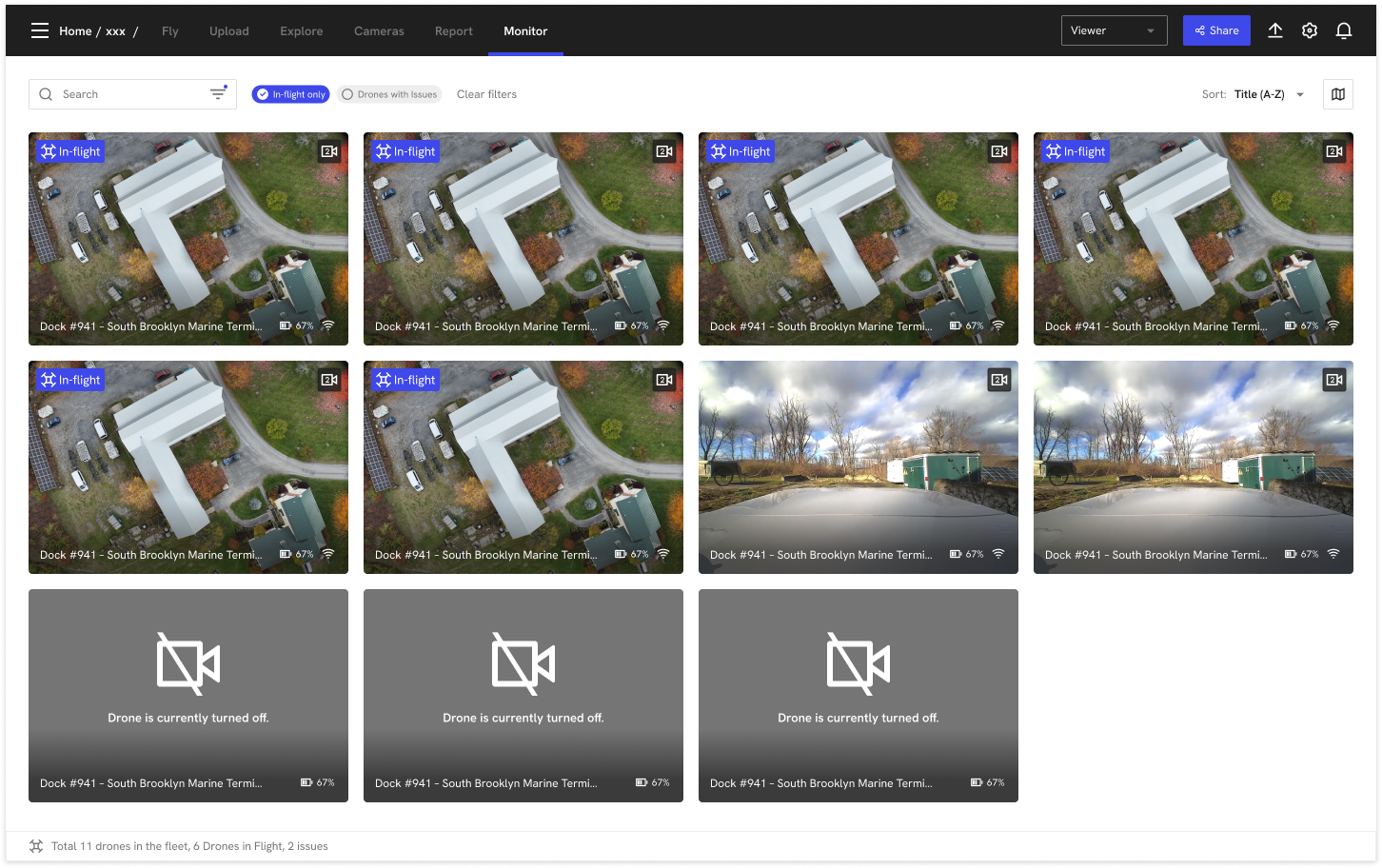
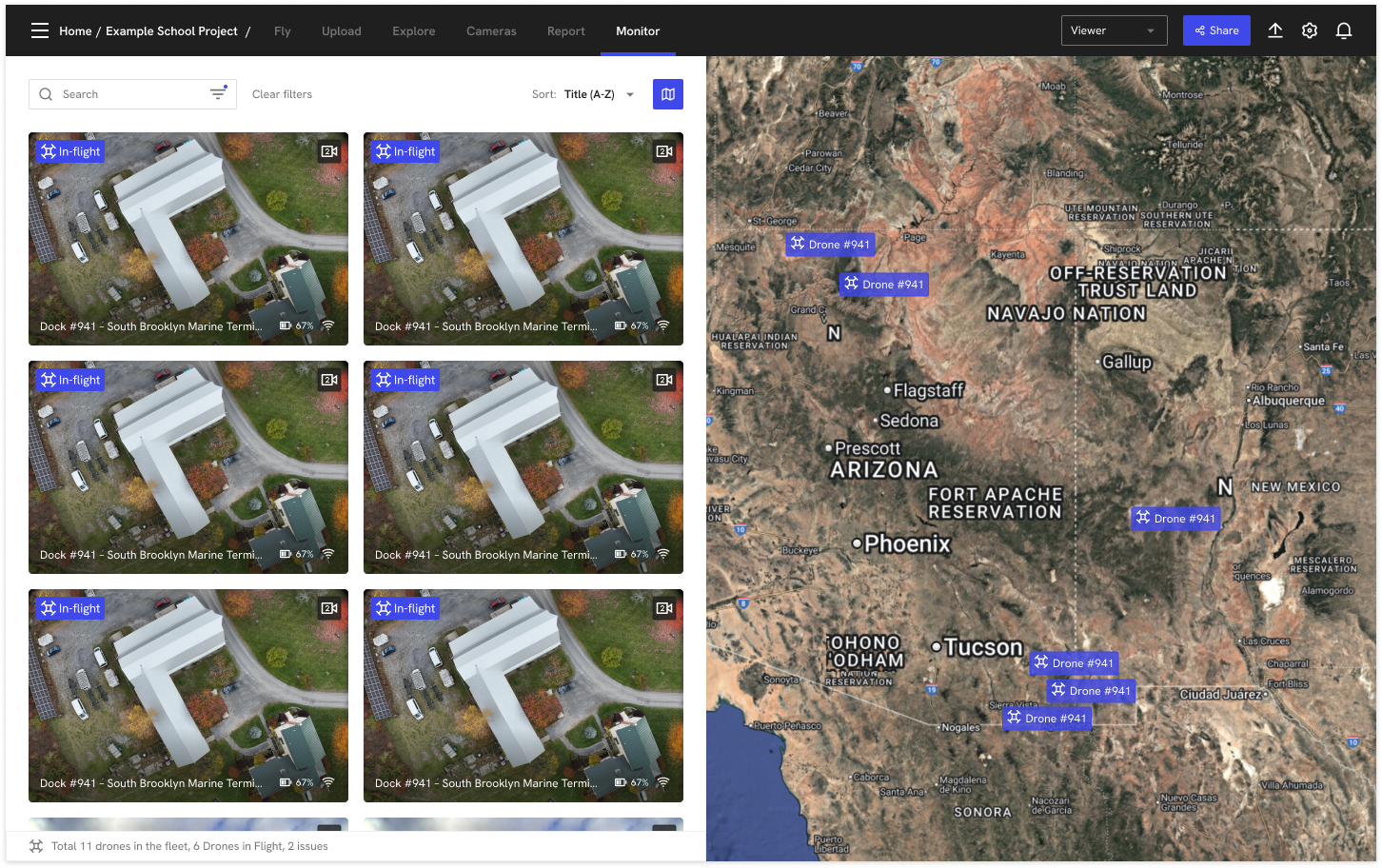
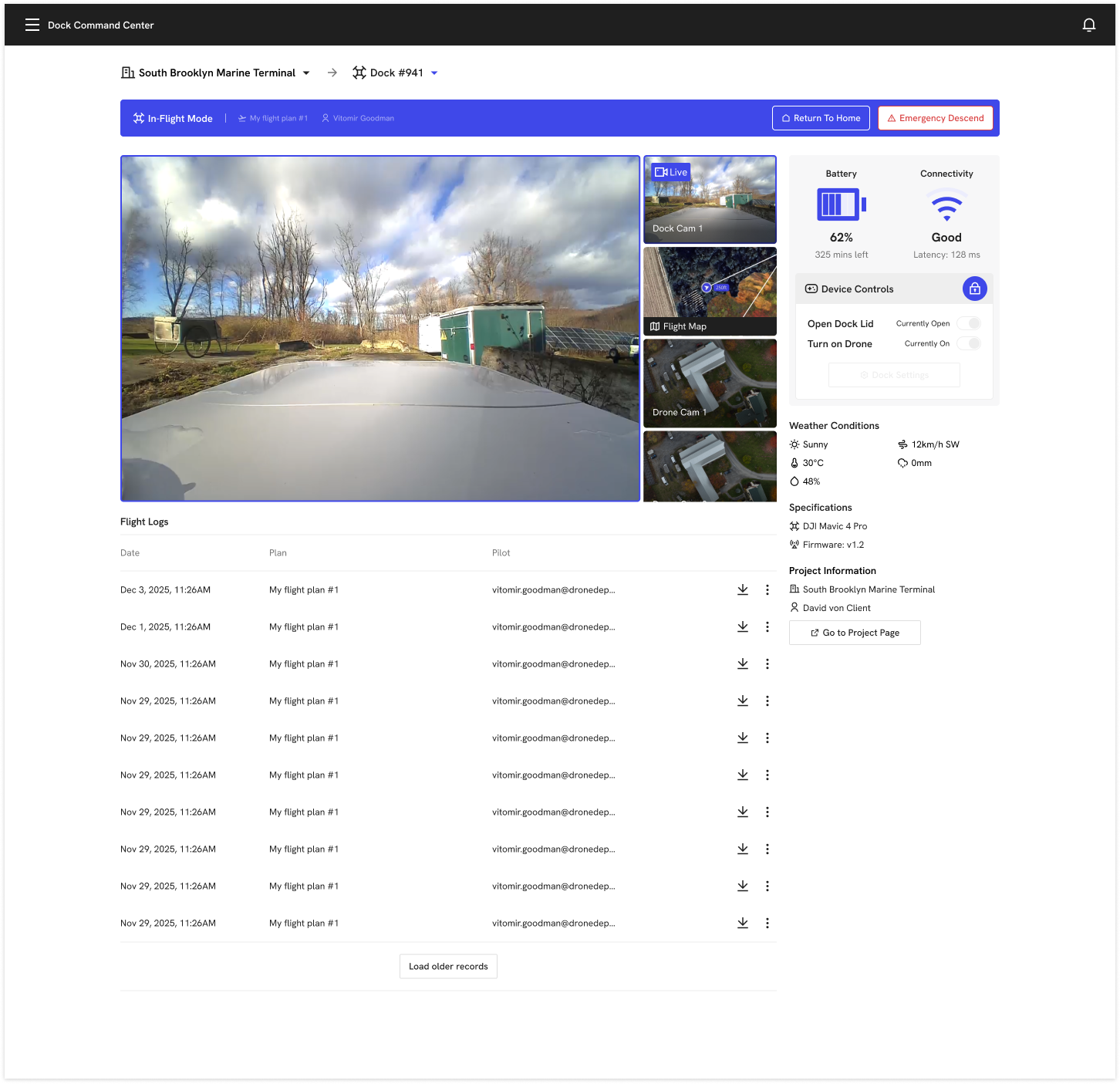
The Dock Command Center solves this by giving org admins a centralized console for their entire dock fleet. The MVP brings all accessible docks into a single grid and map view with clear status indicators, quick links into the associated DroneDeploy project and Flight page, and a minimal settings panel for high-impact actions like reboot/reset and basic configuration. From there, the roadmap adds self-serve provisioning, richer telemetry, error notifications, and flight log access—shifting common dock management and troubleshooting tasks out of support tickets and into a focused, self-service UI.
⚠️ Case study is available upon request. ⚠️